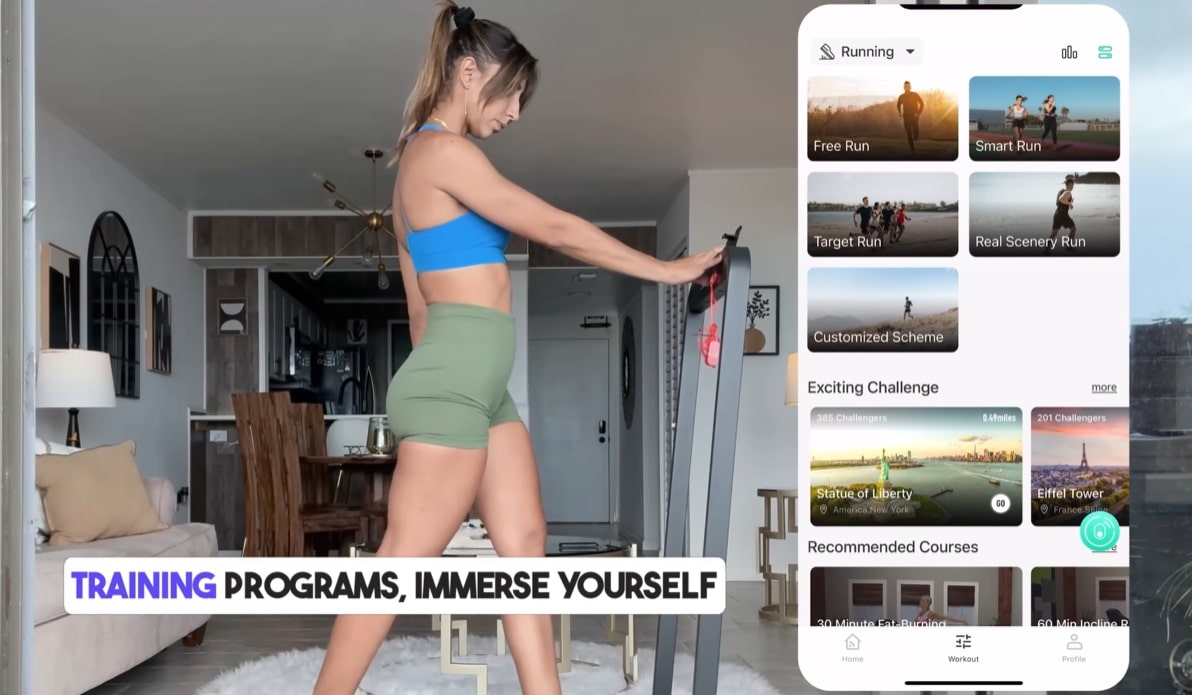

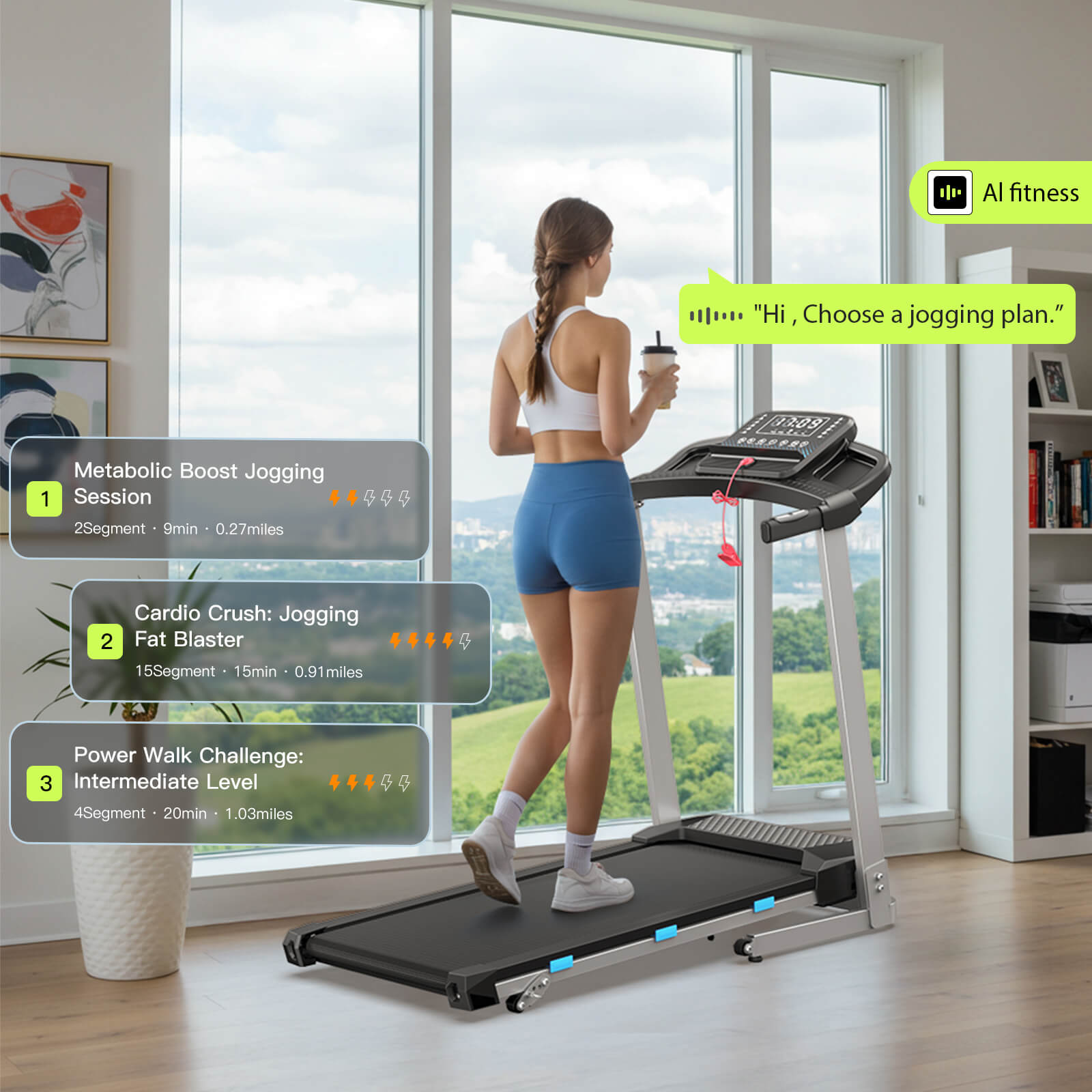
World's 1st AI empowered walking pad & treadmill;⚡🏃Your Fitness, Your Way! Voice control adds a new level of intelligence and interactivity. Applicable to all Wellfit models.✔️

Why Dynamic?

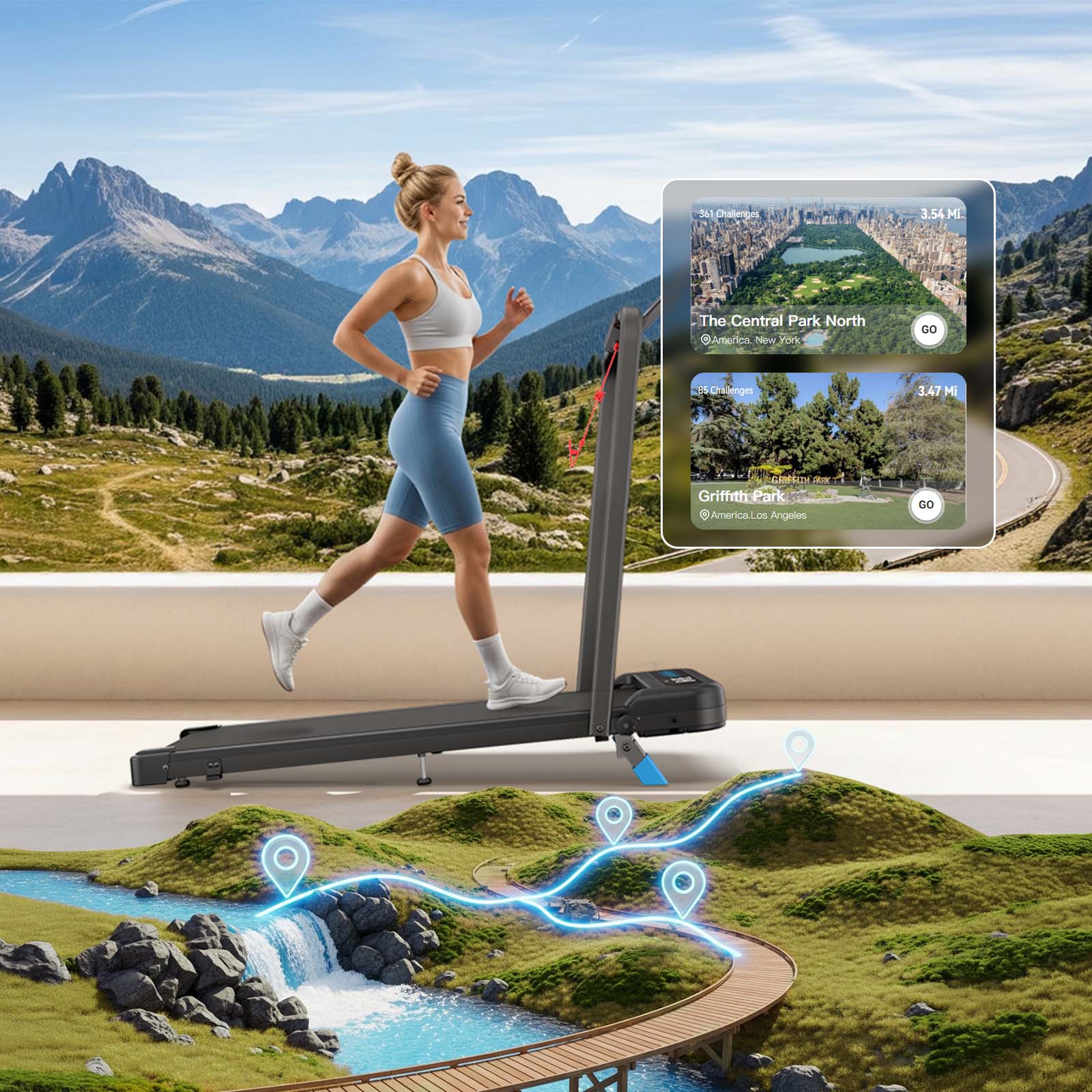
Immersive Experience
Transform your daily run into an immersive adventure through breathtaking landscapes, bustling cityscapes, and thrilling challenges—all from the comfort of your home or gym.
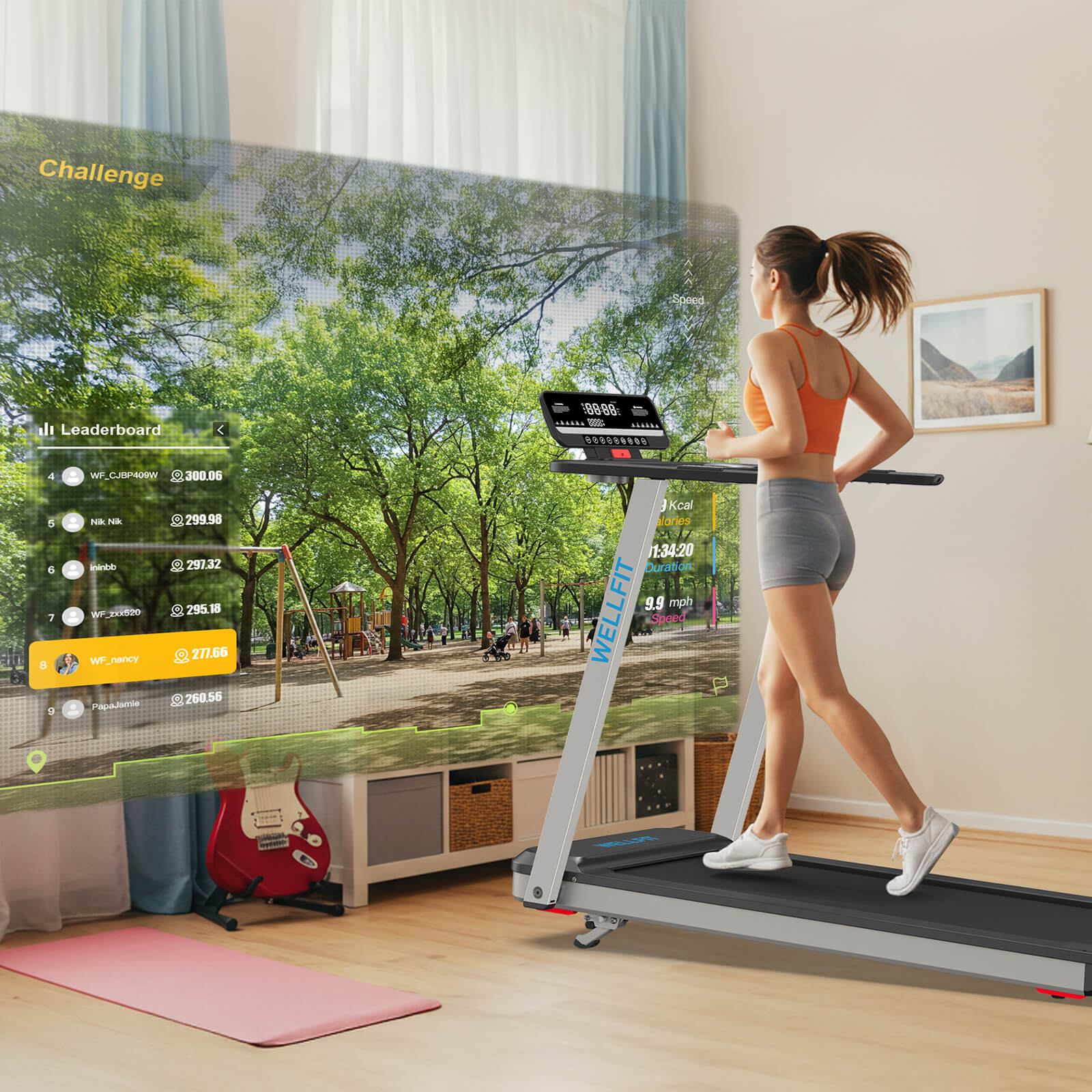
Ignite Your Passion for Workout
Take on virtual map challenges from various global regions, adding fun to your workouts and helping you achieve your health goals.


More Fun in the App
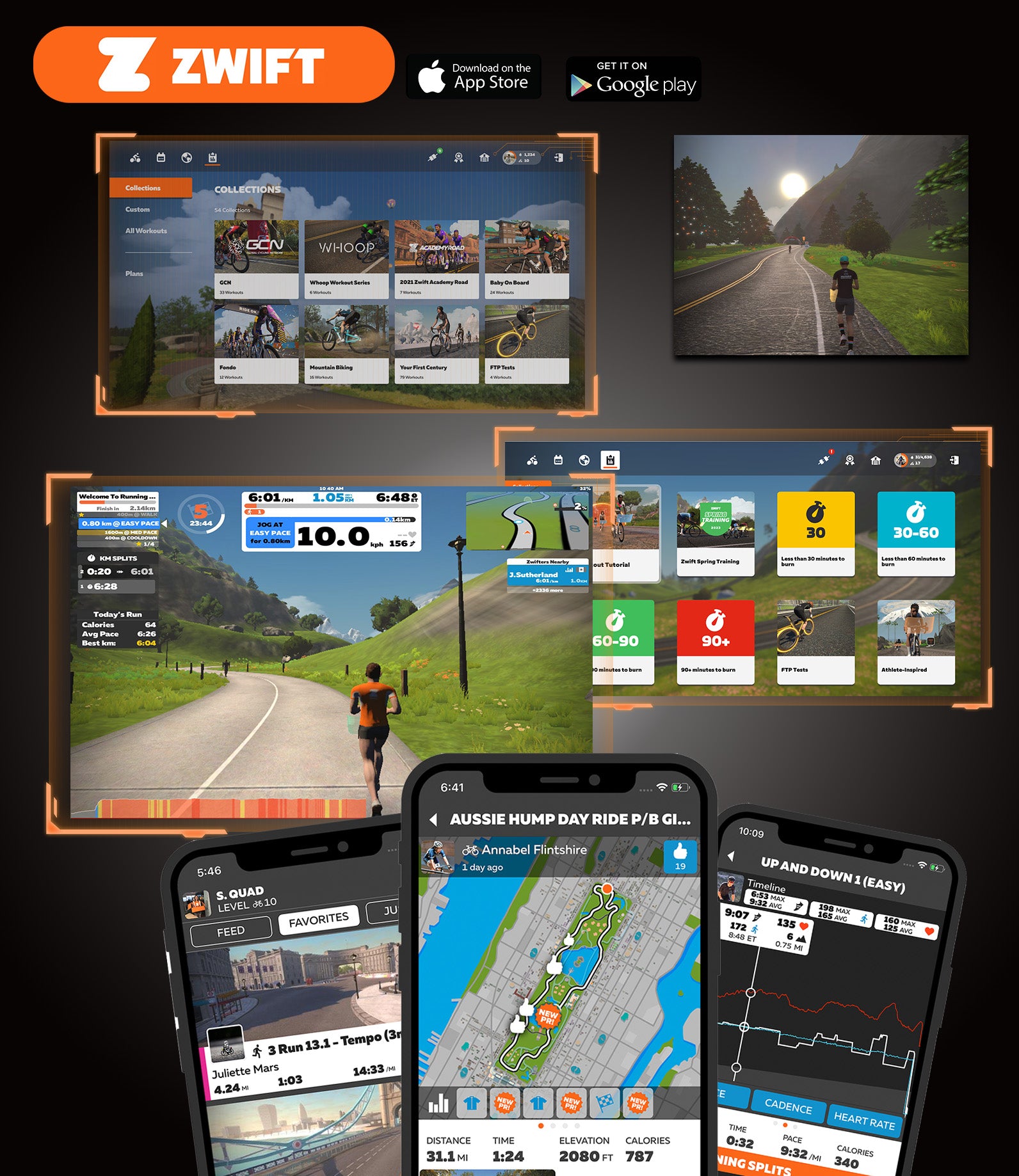
ZWIFT App
Connect with ZWIFT APP
Step 1: Turn your treadmill on, and launch Zwift.
Step 2:Select the type of running in the ZWIFT APP
Step 3:Connecting WELLFIT TM Linker
Step 4:Select your Zwift workout by clicking the blue Training icon under Run type.
Step 5:Click workout.
Step 6: You're ready to run!
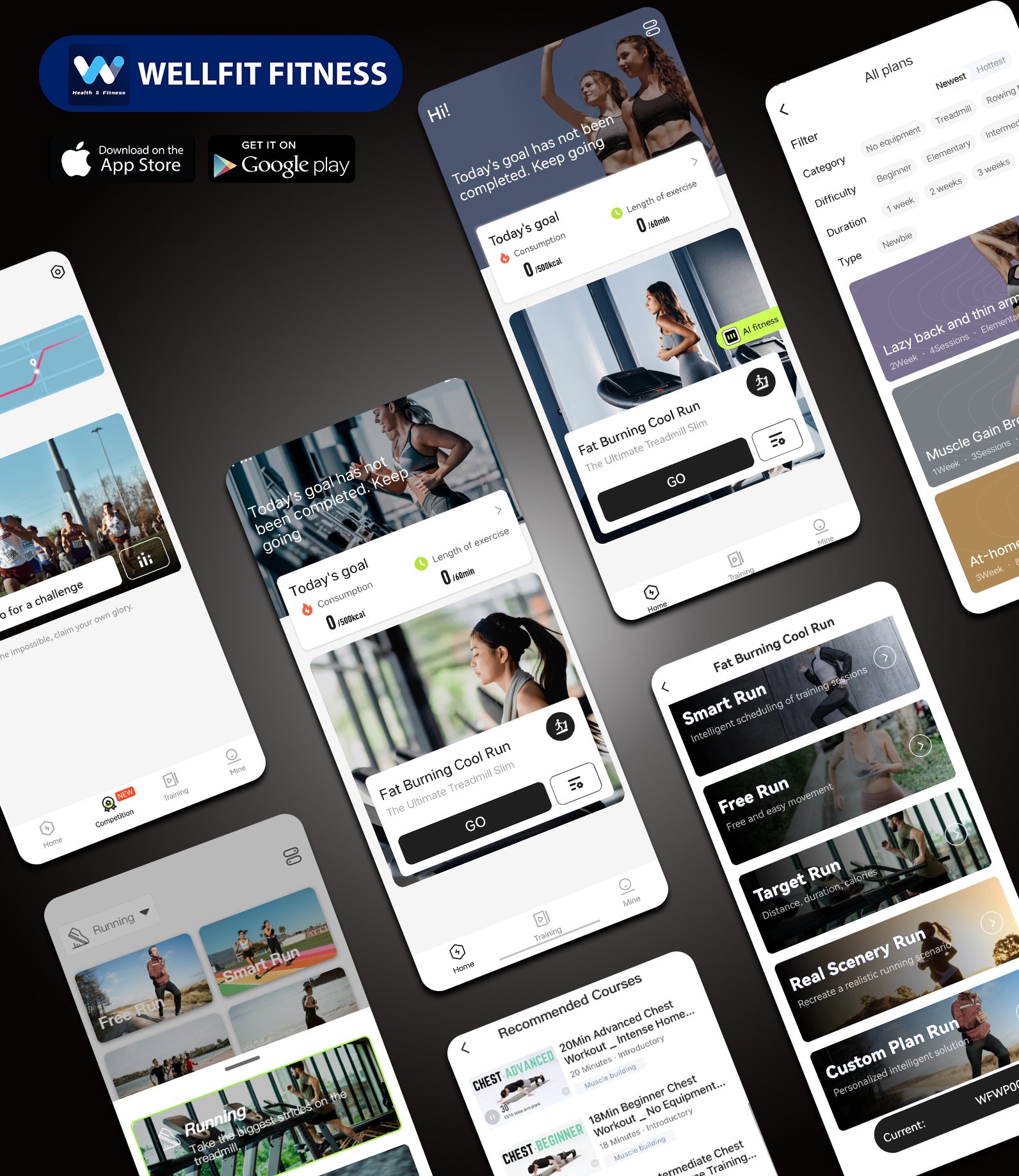
WELLFIT App
No subscription fees
STEP 1: Turn on the Bluetooth and location on your phone.
STEP 2: Pair with Treadmill.
STEP 3: Add device.
STEP 4: Choose your program you need.
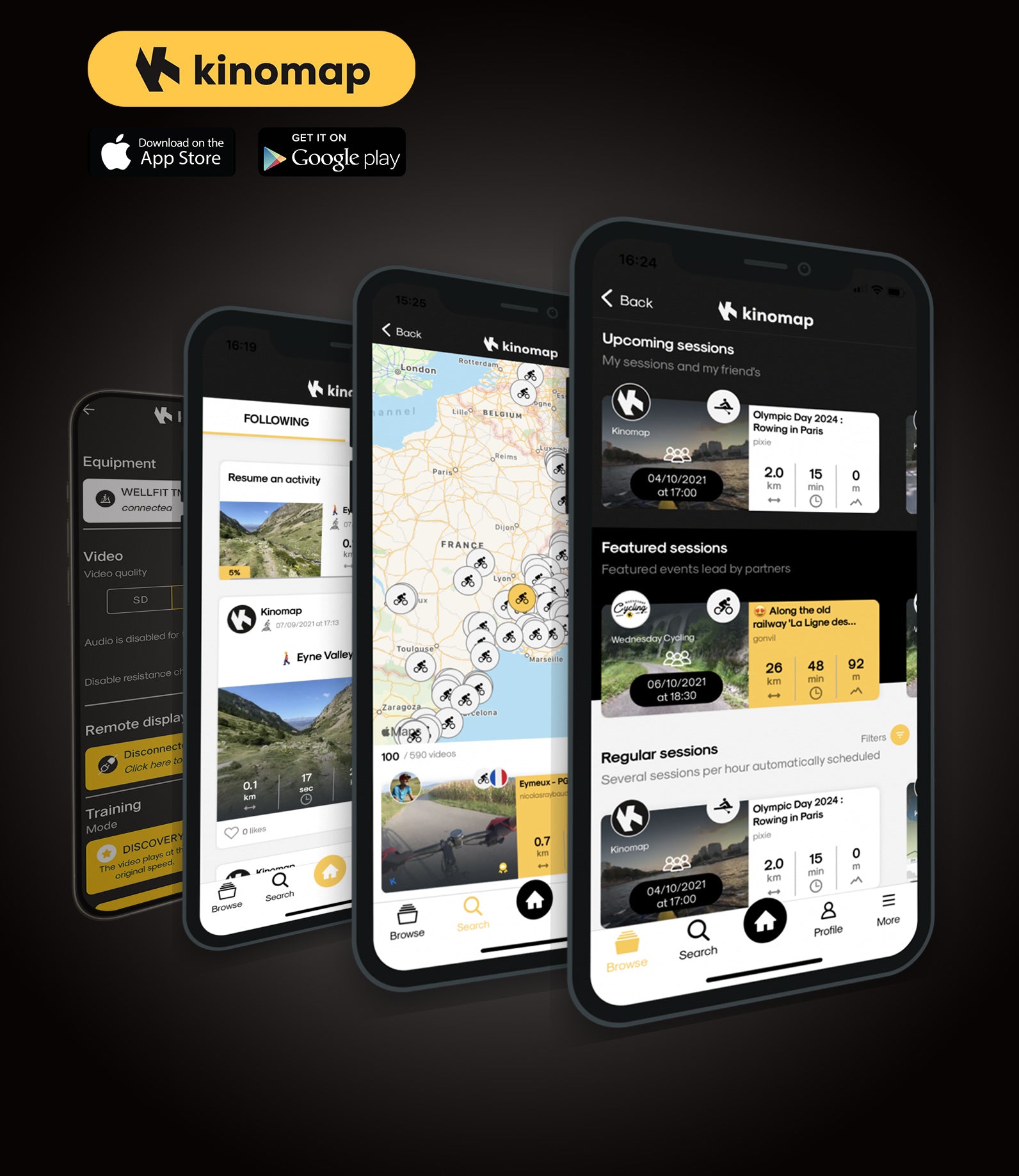
Kinomap App
Connect with Kinomap
STEP 1: Choose the treadmill.
STEP 2: Choose the brand "FTMS".
STEP 3: Interactive--Treadmill Bluetooth smart 4.0.
STEP 4: Fould our treadmill--WELLFIT TM Linker Stetup complete, and you are ready to exercise.
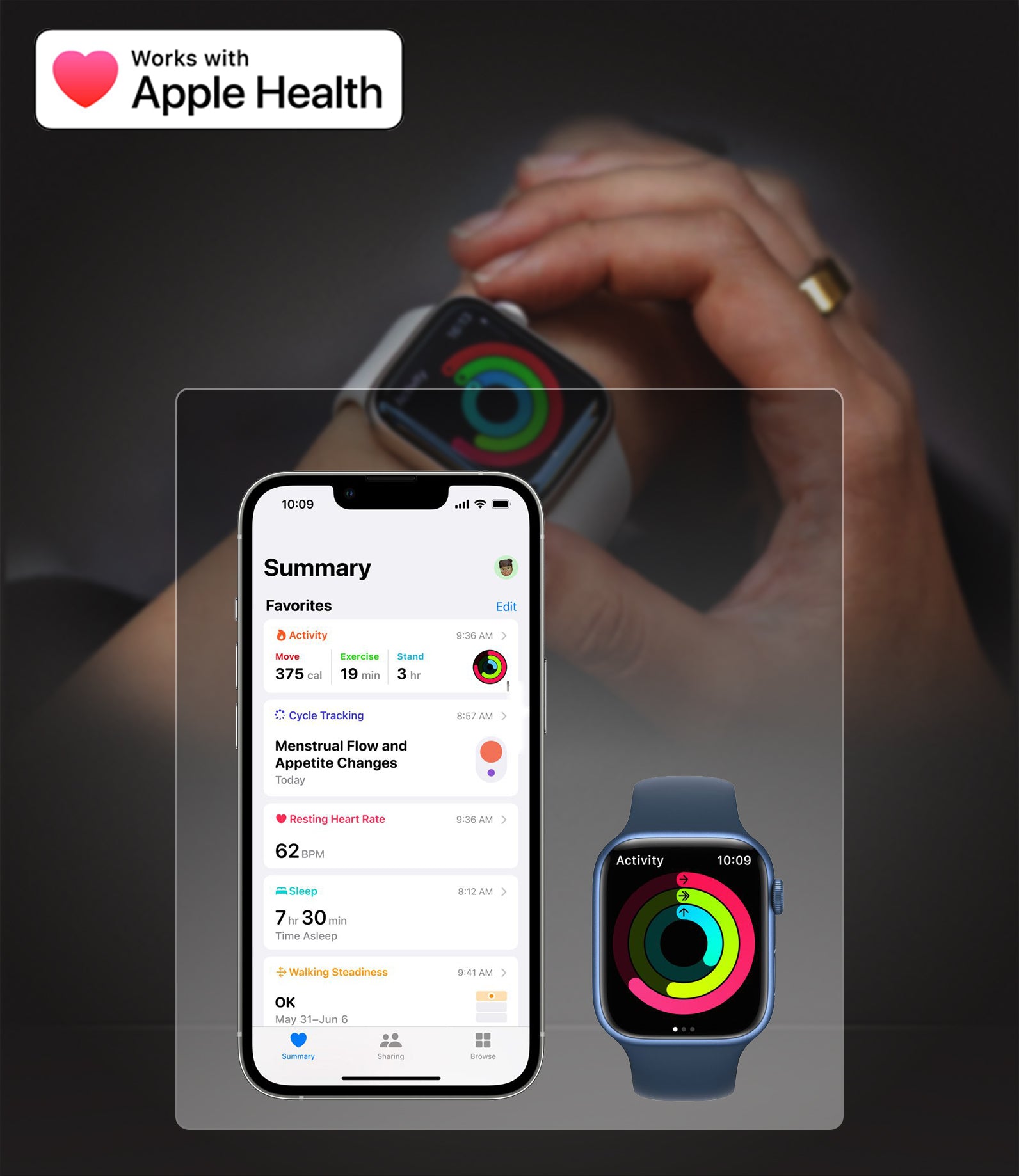
Apple Health
Connect with Apple Health
STEP 1: Open the Health app on your iPhone or iPad.
STEP 2: Tap your profile picture in the upper-right corner.
STEP 3: Under Privacy, tap App and Services.
STEP 4: Tap WELLFIT app and turn on the health categories.
FAQs
Some frequently asked questions from WELLFIT APP users
If you have any quesitons, please feel free to contact us at:
Email: service.eu@wellfittreadmill.com
Phone: +001 (281) 777-8190
Is the WELLFIT App Free? Or do I have to pay for subscription?
Yes, the WELLFIT APP is completely free to use-no paid subscription required.
Just download it from the App Store or Google Play, create an account, and you're ready to start.
Do I have to download the APP to use the treadmill?
No, you don't have to download the WELLFIT APP to use the treadmill. You can use the treadmill separately or you can also use the APP with the treadmill to enhance your workout experience.
Can I connect the treadmill with Apple Health?
Yes, you can connect our treadmill with Apple Health.
How to use the treadmill bluetooth speaker?
*Provided that the model comes with built-in speakers.
Turn on the treadmill and wait for standby mode. Press and hold the “−” button for 3 seconds until you hear a beep. Search and connect:
WELLFIT TM Audio (for speaker)
WELLFIT TM Linker (for app)
“Connected” will appear once pairing is successful.
Does the APP has a step counter?
Yes, it tracks your steps during your workout and you can also see how many miles you haved ran/walked.
How to control the treadmill with APP?
When you open the APP, you’ll see three options at the bottom: Home, Workout, and Profile. Tap the second one, Workout, and you’ll enter a new screen. In the lower right corner, there’s a green remote control icon — tap it to access the interface where you can control the treadmill through the APP.
Is there a way to connect Wellfit app to Fire TV, so I get scenary?
For IOS devices: Users can use the AirPlay feature to mirror their iPhone or Ipad screen to a TV that supports AirPlay or an Apple TV.
For Android devices: Users can use features like "Cast", "Wireless Display", or "Smart View" to project their phone screen onto a TV that supports Miracast or Chromecast.
How do I select walks through the WELLFIT App? I see the run option, but is there a way to walk at my own pace?
Simply start a Free Run — it lets you walk or run at any pace you like while enjoying scenic routes, or your favorite TV shows.
I failed to register the WELLFIT APP, I can’t receive the verification code on my phone.
Please contact WELLFIT Support Team and we will solve this issue.